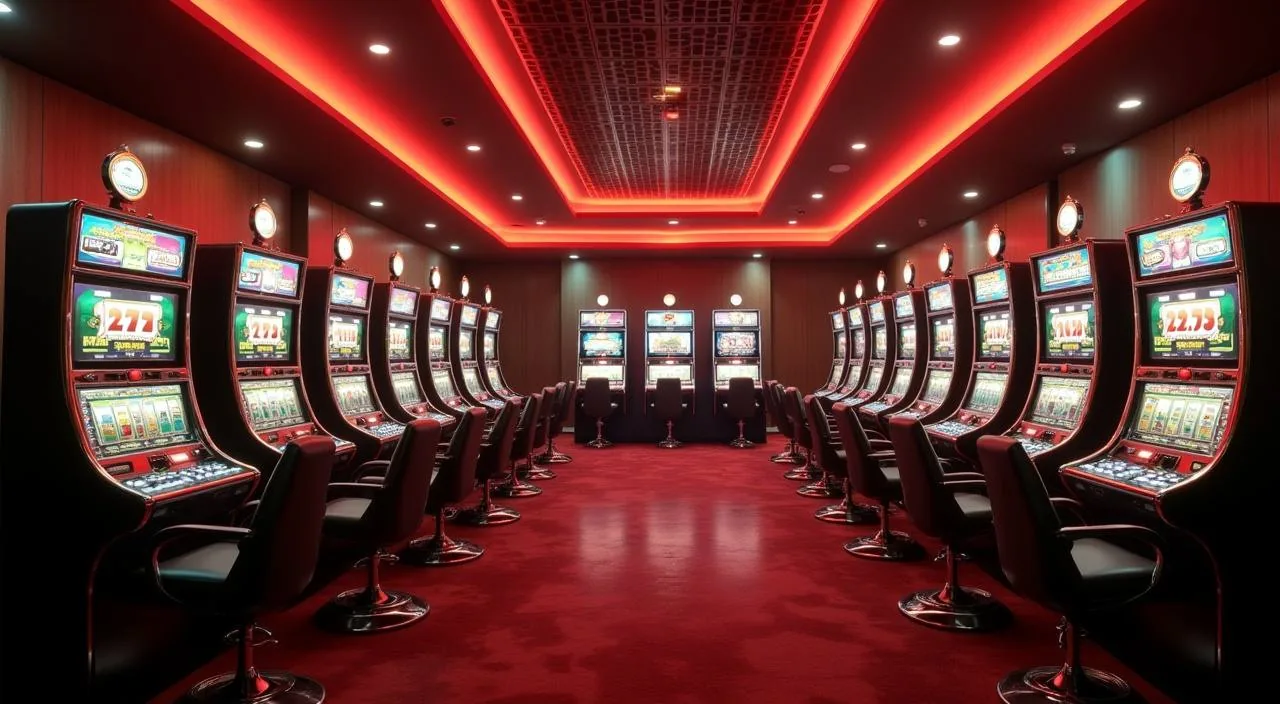
tkdk1 is a casino lobby operator shaped around one real choice: the energy of a live dealer table or the quiet control of a self-paced slot room. We built the account flow, the payment rails, and the support paths around what Bangladesh members actually need — Rocket, Bank Transfer, and a lobby you can open from any mobile browser without a separate download.
At tkdk1, the lobby is organised around a single question every member faces when they log in: do you want the pace of a live dealer room, or do you want to move through games on your own clock? We keep both paths visible from the moment you reach the home screen. Live casino tables — including Baccarat CasinoHub and Teen Patti Gambit — sit alongside slot rooms from studios like CQ9, Habanero, Microgaming, Bigtime Gaming and PlayStar. Cricket Betsport and Football Straight Bets are available in the sportsbook section for members who follow BPL and international cricket. Payments are handled through Rocket and Bank Transfer, the two verified rails on this account. When you open the cashier from your signed-in account, the deposit and withdrawal fields show the limits and verification steps relevant to your account tier — read those carefully before submitting. We do not publish processing timelines because they vary; the status of any transaction is visible inside your account wallet once it is submitted. Availability of all services depends on your local law and eligible region.
Rocket
Bank Transfer
Live Casino
Slots
Sportsbook
Reference / 03
How the Lobby Is Structured
These figures reflect the structural shape of the tkdk1 lobby — the categories we maintain, the access paths we support, and the languages and help routes we keep active for Bangladesh members.
Game studios in the lobby
5
Main game categories: live casino, slots, sportsbook
3
Verified payment rails: Rocket and Bank Transfer
2
Account access paths: mobile browser and desktop web
2
Reference / 04
How to Reach the Support Team
When something is not working as expected — a deposit that has not reflected, a login step that is unclear, or a question about your account wallet — the support team is reachable through the routes published on the site. Use the channel that fits your situation: live chat for quick account questions, email for anything that needs a record, and the help centre for step-by-step account guidance you can follow at your own pace.
Live Chat
Open the chat icon from any page while signed in. This is the fastest route for account questions, wallet status checks, and navigation help inside the lobby.
Email Support
Send your query to the support address listed on the Contact page. Include your account reference so the team can locate your record without asking follow-up questions.
Help Centre
The help section covers account setup, cashier steps for Rocket and Bank Transfer, and common login questions. Browse by topic or use the search field to find the article you need.
Reference / 05
Why Members Come Back to tkdk1
Trust at tkdk1 is built through consistency — the same lobby layout, the same payment rails, and the same support routes every time you log in. We do not change the account flow without notice, and we do not surface payment options that are not active on your account. What you see in the cashier is what is available to you.
Consistent Lobby Layout
The game categories, navigation rail, and cashier entry point stay in the same position across sessions. You do not have to relearn the layout each time you open the lobby on a different device or browser.
Verified Payment Rails
Rocket and Bank Transfer are the two active cashier options. Both are shown with their current limits and verification steps inside your signed-in account — we do not display a method that is not configured for your account tier.
Transparent Account Wallet
Every deposit and withdrawal you submit is logged in your account wallet with a status marker. You can check the current state of any transaction without contacting support, though the team is available if the status is unclear.
Studio-Backed Game Content
Slot titles and live dealer tables in the lobby come from CQ9, PlayStar, Microgaming, Bigtime Gaming and Habanero. These studios supply the game content you see — titles, tables, and game rooms — and their names are visible in the lobby filter.
Reference / 06
Live Tables Versus Self-Paced Slots
The two main play modes at tkdk1 serve different moods and schedules. Understanding the difference helps you navigate the lobby faster and choose the room that fits the time you have available right now.
Live Casino Tables
Baccarat CasinoHub and Teen Patti Gambit run with a live dealer in real time. The pace is set by the table, not by you — suited to sessions where you want the social rhythm of a dealer-led room.
Self-Paced Slot Rooms
Slot rooms from CQ9, Habanero and the other studios run on your schedule. You set the pace, pause when you need to, and return without losing your place in the session.
Sportsbook Markets
Cricket Betsport and Football Straight Bets sit in the sportsbook section. BPL and international cricket markets are the category Bangladesh members open most — check the current market list inside your signed-in account.
Crash Games
Crash Win Builder is available as a separate category between slots and the sportsbook. The mechanic is different from both — a single multiplier round rather than a reel spin or a table hand — so it suits members who want a shorter session format.
Reference / 07
What Defines the tkdk1 Lobby
Four visible elements shape the tkdk1 experience from the moment you log in. These are not abstract values — they are the specific things you will notice when you open the lobby, navigate to the cashier, or contact support. Each one reflects a deliberate choice about how we run the platform for Bangladesh members.
Category-First Navigation
The lobby opens on a category rail — live casino, slots, sportsbook, crash — so you reach the game type you want in one tap. You do not have to scroll through a mixed feed to find the room you are looking for.
Mobile Browser Access
The full lobby, cashier, and account pages load in a mobile browser without a separate app install. Open your account from any Android or iOS browser and the layout adjusts to the screen size automatically.
Studio Filter in the Lobby
A studio filter lets you narrow the slot and table game list to titles from a specific provider — CQ9, PlayStar, Microgaming, Bigtime Gaming or Habanero. Useful when you already know which studio's rooms you prefer.
Account Wallet Visibility
The wallet section of your account shows your current balance, pending transactions, and completed cashier history in one place. Rocket and Bank Transfer transactions both appear here with their current status.
Reference / 08
Questions Members Ask About tkdk1
These are the questions we hear most often from members who are new to the lobby or returning after a break. If your question is not covered here, the help centre and live chat are both available from your signed-in account.
What is tkdk1 and who is it for?
tkdk1 is a casino lobby operator serving eligible members in Bangladesh. The platform covers live dealer tables, slot rooms, a sportsbook, and crash games. It is built for members who want to move between game categories without switching platforms, using Rocket or Bank Transfer for their account wallet.
Which payment methods are active on my account?
Rocket and Bank Transfer are the two verified payment rails on tkdk1. Both appear in the cashier section of your signed-in account with their current deposit and withdrawal fields. The limits and verification steps shown there apply to your specific account tier — read them before submitting a transaction.
Can I access the lobby from my mobile phone?
Yes. The lobby, cashier, and account pages are all accessible from a mobile browser on Android or iOS without installing a separate application. The layout adjusts to your screen size. Open your account URL in your phone's browser and log in as you would on desktop.
Which game studios supply content on tkdk1?
The slot and live dealer content in the lobby comes from five studios: CQ9, PlayStar, Microgaming, Bigtime Gaming and Habanero. You can filter the lobby by studio name to see only titles from a specific provider. Game-to-studio attribution is shown inside each game's detail panel where the studio exposes it.
How do I check the status of a deposit or withdrawal?
Every cashier transaction you submit is logged in your account wallet with a status marker. Open the wallet section from your signed-in account to see pending and completed transactions for both Rocket and Bank Transfer. If the status has not updated after the time shown in the cashier, contact support via live chat with your transaction reference.
Is tkdk1 available in my region?
Availability depends on your local law and the eligible regions configured for your account. We do not make legal-certainty claims about access. If you are unsure whether the platform is available where you are, check the terms and eligibility section linked from the account registration page before proceeding.
 Live / Sports