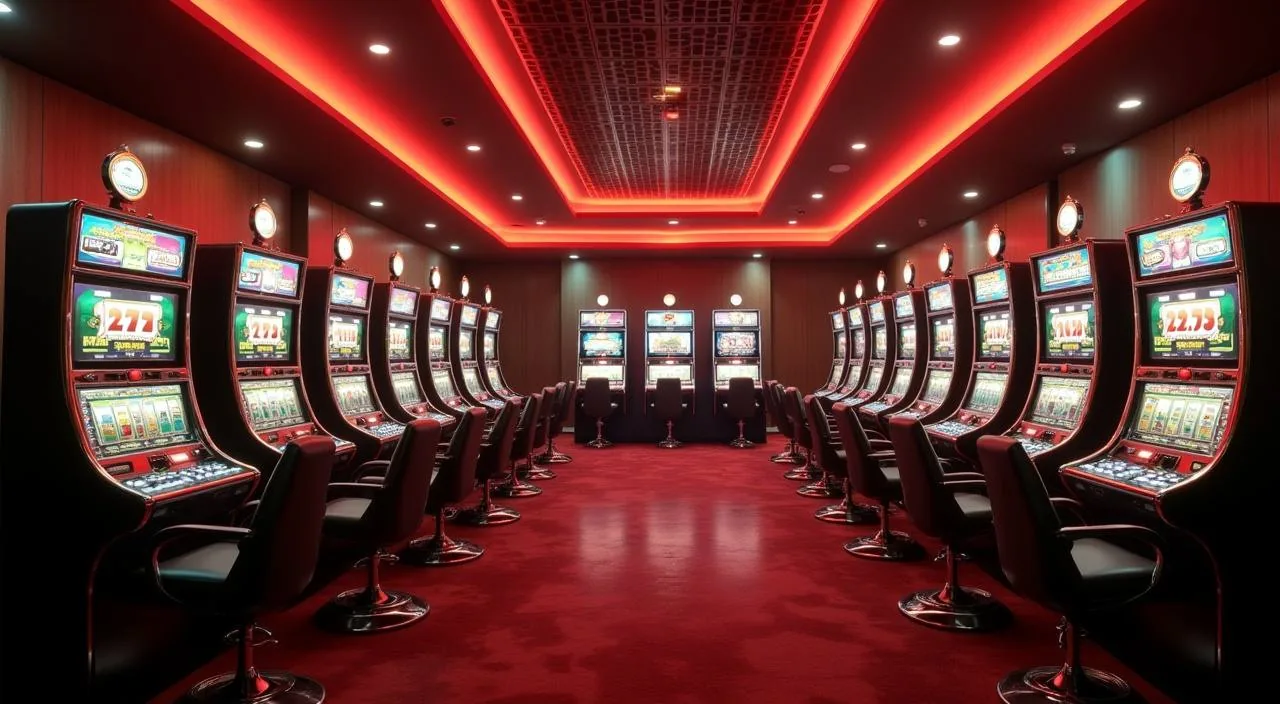
At tkdk1, we know you want clear answers without hunting through pages. This FAQ covers the questions we hear most — from adding funds via Rocket or Bank Transfer to switching between live dealer tables and slot rooms on your mobile.
We have organised this page around the real decisions you face when using tkdk1. Each section below answers one specific question — how deposits work, how to reach support, how to switch between game modes, and what to do if your account needs attention. Rather than sending you in circles, we point you to the exact screen or account step where the answer lives. For payment questions, Rocket and Bank Transfer are the two rails we can confirm are active on this platform.
Rocket deposit steps
Bank Transfer reference
Live casino navigation
Slot room access
Account wallet view
PLATFORM AT A GLANCE
What tkdk1 Offers at a Glance
These figures reflect the structural shape of the tkdk1 platform — the game categories available, the access methods we support, and the ways you can reach us when you need help.
Game categories: live casino, slots, sportsbook
3
Confirmed payment rails: Rocket and Bank Transfer
2
Game studios in the lobby: CQ9, PlayStar, Microgaming, Bigtime Gaming, Habanero
5
Access modes: mobile browser and desktop web
2
REACH OUR TEAM
How to Contact tkdk1 Support
If this FAQ does not resolve your question, our support team is reachable through the channels listed on the Contact page inside your account. Use the route that fits your situation — live chat for urgent account issues, email for document submissions, and the help centre for step-by-step account guides.
Live Chat
Open the chat icon from any page inside your signed-in account. This is the fastest route for deposit queries, login issues, or questions about a specific game session. The chat window shows current availability before you start.
Email Support
Use the email address shown on the Contact page in your account for matters that need a written record — identity checks, withdrawal follow-ups, or formal account requests. Include your registered account ID in every message to speed up the response.
Help Centre
The Help Centre, accessible from the footer of every page, contains step-by-step articles on account setup, payment steps, and game navigation. Search by keyword or browse by category to find the article that matches your question.
WHY TRUST THIS PAGE
How We Keep This FAQ Accurate
We write and update this FAQ as the platform operator, drawing only on what is verifiable inside your account. No third-party claims, no invented figures — just the steps and routes you can check yourself.
Operator-Written Content
Every answer here is written by the tkdk1 team, not sourced from a third-party review or automated summary. We describe only what exists in the live platform — the payment rails, game categories, and support routes you can verify in your own account today.
Payment Facts Only
We name Rocket and Bank Transfer because those are the rails we have confirmed as active. We do not list payment methods we cannot verify, and we do not promise processing speeds we cannot guarantee. The deposit screen in your account shows current limits and instructions.
Game Catalogue Transparency
The studios in our lobby — CQ9, PlayStar, Microgaming, Bigtime Gaming, and Habanero — supply the slot titles, live dealer tables, and table games you see when you browse. We describe what is in the lobby; we do not attribute specific titles to specific studios unless that mapping is confirmed.
Regular Updates
When the platform changes — new payment steps, updated support routes, or changes to game availability — we revise this FAQ to match. If you notice a step that does not match what you see in your account, contact support and we will investigate and correct it.
LIVE VS SELF-PACED
Compare Live Tables and Slot Rooms
One of the most common questions we receive is about the difference between live casino and slots at tkdk1. Here is a direct comparison so you can choose the mode that fits how you want to play right now.
Live Casino Tables
Live dealer rooms run on a real-time schedule. Games like Baccarat CasinoHub and Teen Patti Gambit are hosted by a live dealer and follow the pace of the table. You join a session already in progress, so timing matters. Best accessed on a stable connection — desktop or a strong mobile signal.
Slot Rooms
Slots like Crash Win Builder run on your schedule. Start, pause, and return whenever you like. The game waits for you. Mobile browser access works well here because each round is self-contained. RTP information is shown only where the game or studio exposes it in the lobby.
Sportsbook — Cricket Focus
The sportsbook section covers cricket markets including BPL and international fixtures, alongside other sports. Browse available markets from the sportsbook tab in the main navigation. Odds and fixture availability depend on the current schedule shown in the lobby.
Switching Between Modes
You do not need to log out or reload to switch. The navigation bar at the top of the lobby links directly to live casino, slots, and sportsbook. Your account wallet balance carries across all three sections without any transfer step required.
LOBBY FEATURES
What Defines the tkdk1 Experience
Beyond the game catalogue, a few specific features shape how the tkdk1 lobby works day to day. These are the elements members ask about most when they first explore the platform.
Single Wallet Across All Sections
Your account wallet covers live casino, slots, and sportsbook in one balance. There is no need to move funds between separate wallets when you switch game modes. The wallet balance is visible in the account header on every page once you are signed in.
Mobile Browser Access
The full lobby — live tables, slot rooms, and sportsbook — loads in your mobile browser without a separate download. Navigate to tkdk1 on your phone, sign in, and the layout adjusts to your screen. Live dealer games and slots like Teen Patti Gambit are both accessible this way.
Studio Variety in One Lobby
CQ9, PlayStar, Microgaming, Bigtime Gaming, and Habanero all contribute titles to the same lobby. You browse by category rather than by studio, so you see live tables, slots, and crash games together. Filter or search options in the lobby help you narrow down by game type.
Account History and Transaction Records
Every deposit, withdrawal, and game round is logged in your account history section. Open the account menu and select transaction history to review past activity. This is the first place to check if a deposit via Rocket or Bank Transfer does not appear in your balance immediately.
COMMON QUESTIONS
Frequently Asked Questions at tkdk1
These are the questions our members ask most often. Each answer points to the specific account step or screen where you can take action.
How do I deposit using Rocket at tkdk1?
Go to the Deposit section inside your signed-in account and select Rocket from the payment options. The screen shows the current minimum and maximum amounts along with the exact steps to complete the transfer. Follow the field instructions shown there, as they reflect the live requirements at the time of your deposit.
Can I use Bank Transfer to fund my account?
Yes, Bank Transfer is an active deposit method at tkdk1. Select it from the Deposit screen to see the account details and reference instructions. Always use the reference number shown on that screen so your transfer is matched to your account correctly. Processing depends on your bank's schedule.
How do I switch from slots to live casino without losing my place?
Use the navigation bar at the top of the lobby. Selecting Live Casino takes you directly to the live dealer section while your account session and wallet balance remain active. You do not need to log out or reload the page. Your slot session ends when you leave that game, which is normal behaviour.
Why is my deposit not showing in my balance yet?
Check your transaction history in the account menu first — the deposit may be recorded there even if the balance has not updated on screen. For Rocket transfers, the timing depends on the mobile wallet network. For Bank Transfer, your bank's processing schedule applies. If the record is missing entirely, contact live chat with your transfer reference.
Are all games available on mobile browser?
The tkdk1 lobby is accessible through your mobile browser at tkdk1 without any download. Live dealer tables, slot rooms including titles from CQ9 and Habanero, and the sportsbook section all load on mobile. A stable data connection improves the live casino experience; slots and crash games like Crash Win Builder work well on standard mobile connections.
How do I find cricket betting markets on tkdk1?
Open the Sportsbook section from the main navigation bar. Cricket markets — including BPL and international fixtures — are listed under the cricket category. Available matches and markets depend on the current schedule shown in the lobby. Your account wallet balance applies directly; no separate sportsbook wallet is needed.
What should I do if I cannot log in to my account?
Use the password reset option on the login screen, which sends a reset link to your registered contact. If you do not receive it within a few minutes, check your spam folder. For account access issues that the reset flow does not resolve, contact our support team via live chat or email with your registered account details.
 Live / Sports